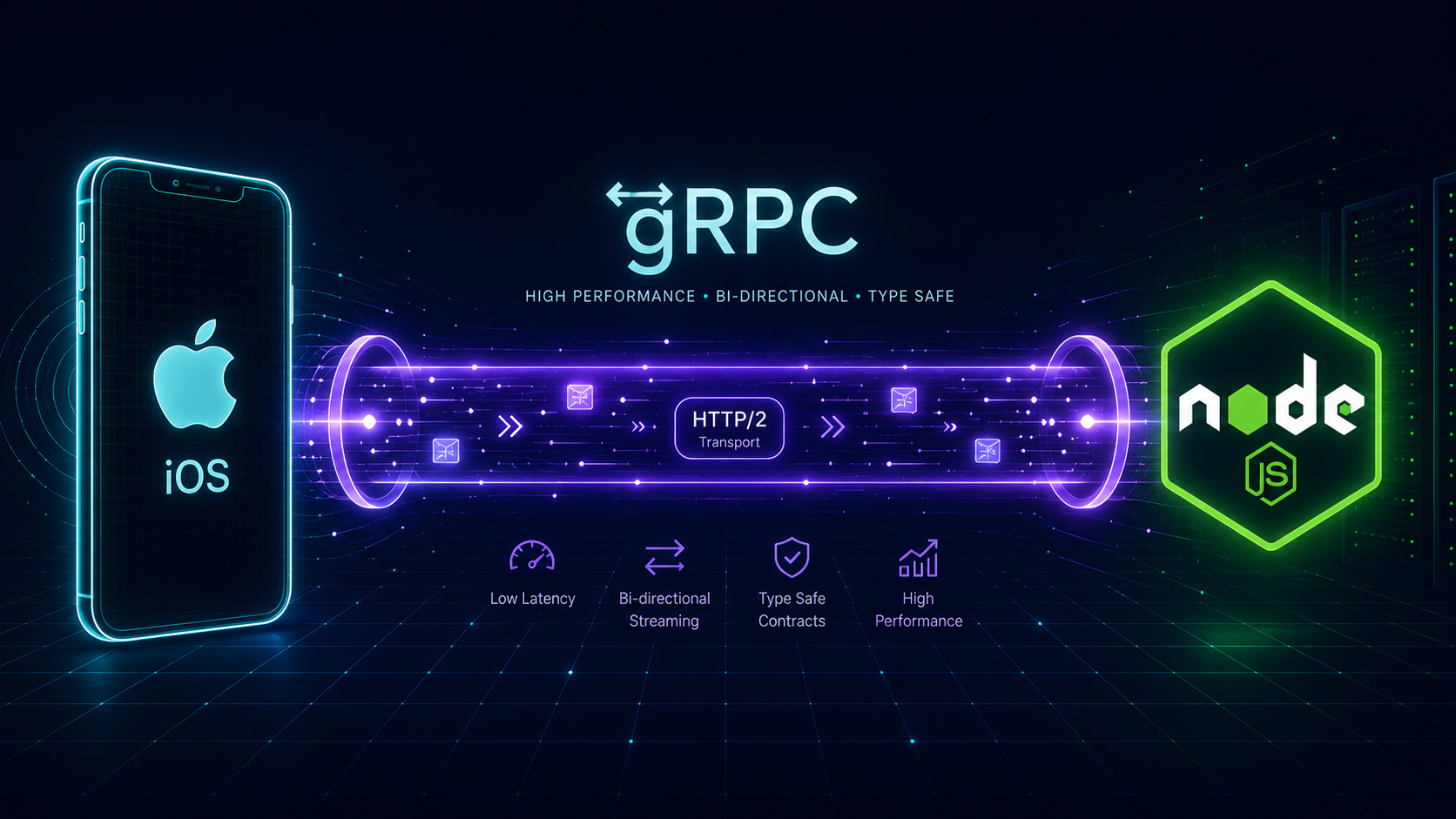
Today we will discuss and implement a CRUD operation of gRPC in an iOS Swift project. We will create an Xcode project and show a list of Students in a UITableView. Before starting, let's look up what gRPC is and how it works.
What is gRPC?
gRPC is a Remote Procedure Call framework that is open source, language-neutral, uses compact binary (Protocol Buffers) instead of JSON, is HTTP/2 based, and supports three communication patterns:
| Pattern | Description |
|---|---|
| Unary | Single request → single response |
| Server / Client Streaming | One-sided streaming |
| Bidirectional Streaming | Both sides stream simultaneously |
Step 1 — Set Up the Node.js Server
I built a small gRPC server in Node.js for testing. Download the full repo: github.com/avijitmobi/demo-grpc-student-node-crud
Make sure Node.js is installed. Then run:
npm install
npm run server
The server starts at localhost:8000. You'll see output confirming the gRPC server is running.
Step 2 — Install the Proto Compiler (protoc)
The proto compiler converts .proto files into language-specific code. Follow these steps on macOS:
- Download the proto buffer compiler from github.com/protocolbuffers/protobuf
- Extract the compressed file
- Open Terminal and
cdinto the extracted folder - Run the installation commands (below)
- Confirm with
protoc --version
./configure
make
make check
sudo make install
which protoc

# Confirm:
protoc --version
# Output: libprotoc 3.20.1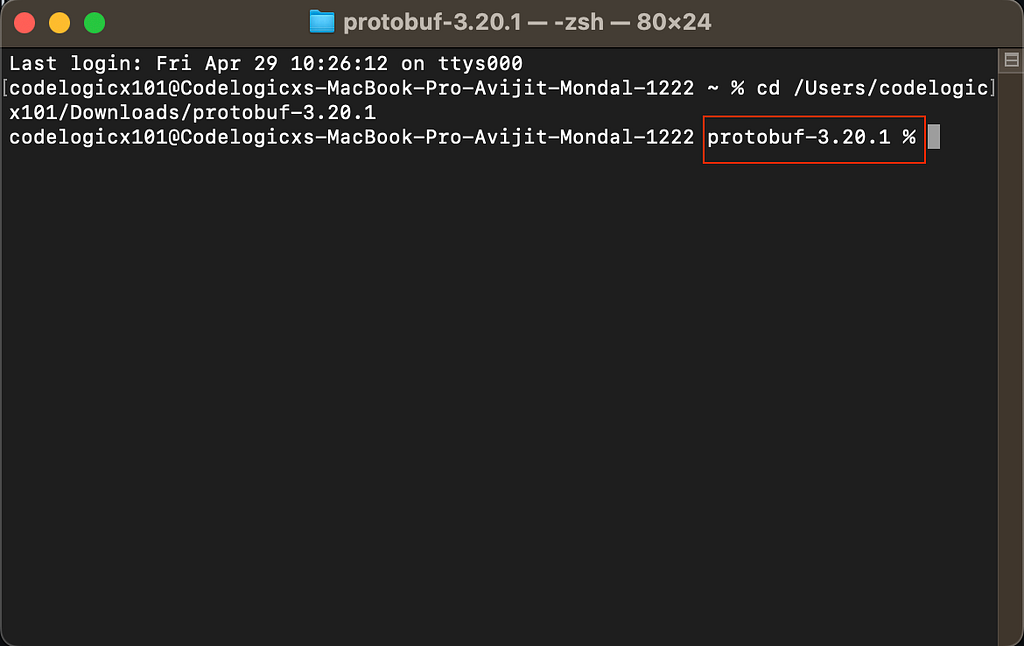

Step 3 — Install Swift Protobuf Plugin
We need Apple's Swift protobuf plugin to generate Swift code from .proto files.
Option A — Homebrew (recommended)
brew install swift-protobuf

# Verify:
protoc-gen-swift --version
Option B — From source
git clone https://github.com/apple/swift-protobuf.git
cd swift-protobuf
swift build -c release
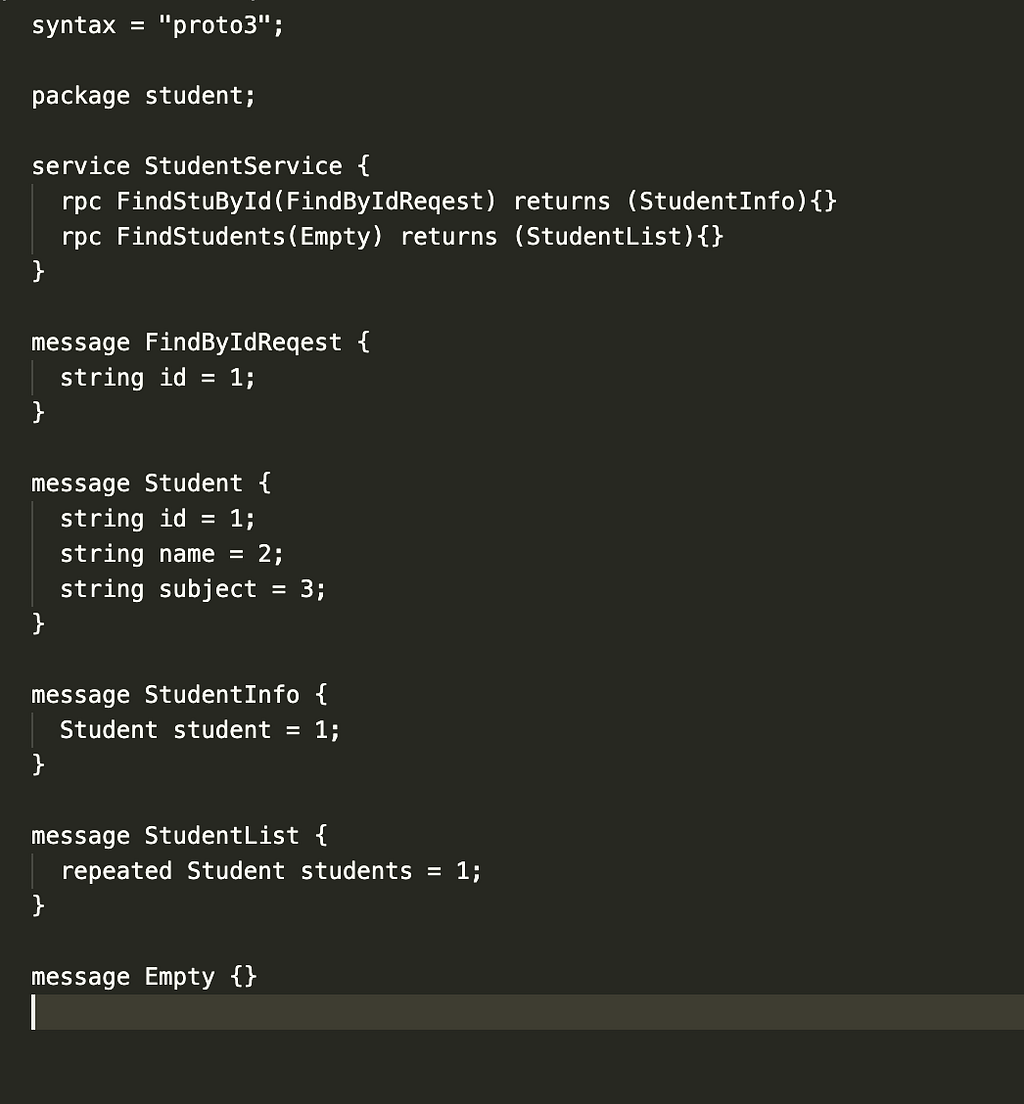
Step 4 — Understanding the .proto File
Here's a quick overview of the Student proto file structure. Key concepts:
proto3— we use syntax version 3service— defines the RPC methods available on client and servermessage— the struct/class equivalent, defines the data modelrepeated— means an array/list of items
Step 5 — Generate Swift Protocol Buffer Files
Navigate your Terminal to the folder containing the .proto file and run:
# Generate the data model (.pb.swift)
protoc --swift_out=. student.proto

# Generate the service client (.grpc.swift)
protoc student.proto --grpc-swift_out=Client=true,Server=false:.
This generates two files: student.pb.swift (data models) and student.grpc.swift (service client). Do not edit these files — they are auto-generated.

Step 6 — Add gRPC-Swift via CocoaPods
# Podfile
pod 'gRPC-Swift', '~> 1.0.0'pod install
open YourProject.xcworkspaceStep 7 — Create the GRPC Repository
Create GRPCRepository.swift and implement the server connection:
import Foundation
import GRPC
import NIO

class GRPCRepository {

    // 1. Channel connects us to the gRPC server
    var channel: GRPCChannel!

    // 2. Thread management via NIO event loop group
    let group = MultiThreadedEventLoopGroup(numberOfThreads: 1)

    init() {
        // 3. Start connection to local Node.js gRPC server
        channel = try! GRPCChannelPool.with(
            target: .host("localhost", port: 8000),
            transportSecurity: .plaintext,
            eventLoopGroup: group
        )
    }

    // 4. Service client from generated proto code
    var studentClient: Student_StudentServiceClient {
        return Student_StudentServiceClient(channel: channel)
    }

    // 5. Fetch all students from the server
    func fetchStudents(completion: @escaping ([Student_Student]?, Error?) -> Void) {
        let call = studentClient.findStudent(Student_Empty())
        call.response.whenComplete { result in
            switch result {
            case .success(let response): completion(response.students, nil)
            case .failure(let error):    completion(nil, error)
            }
        }
    }

    deinit {
        try? group.syncShutdownGracefully()
    }
}
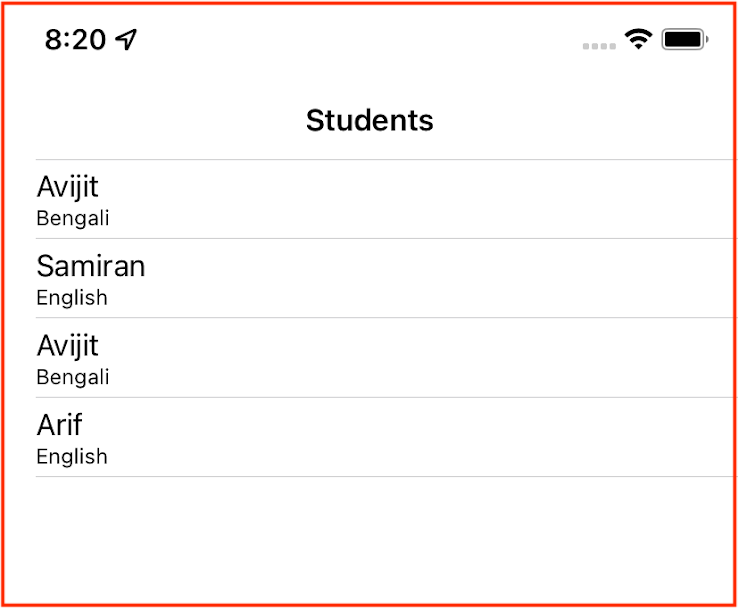
Step 8 — Display Students in UITableView
import UIKit

class StudentListViewController: UITableViewController {

    var students: [Student_Student] = []
    let repo = GRPCRepository()

    override func viewDidLoad() {
        super.viewDidLoad()
        title = "Students"
        fetchData()
    }

    func fetchData() {
        repo.fetchStudents { [weak self] students, error in
            guard let self = self else { return }
            if let students = students {
                DispatchQueue.main.async {
                    self.students = students
                    self.tableView.reloadData()
                }
            }
        }
    }

    override func tableView(_ tableView: UITableView, numberOfRowsInSection section: Int) -> Int {
        return students.count
    }

    override func tableView(_ tableView: UITableView, cellForRowAt indexPath: IndexPath) -> UITableViewCell {
        let cell = tableView.dequeueReusableCell(withIdentifier: "Cell", for: indexPath)
        let student = students[indexPath.row]
        cell.textLabel?.text = student.name
        cell.detailTextLabel?.text = "ID: \(student.id)"
        return cell
    }
}
Download the Source Code
- Node.js gRPC Server: github.com/avijitmobi/demo-grpc-student-node-crud
- Swift iOS Client: github.com/avijitmobi/gRPC-SwiftClient