
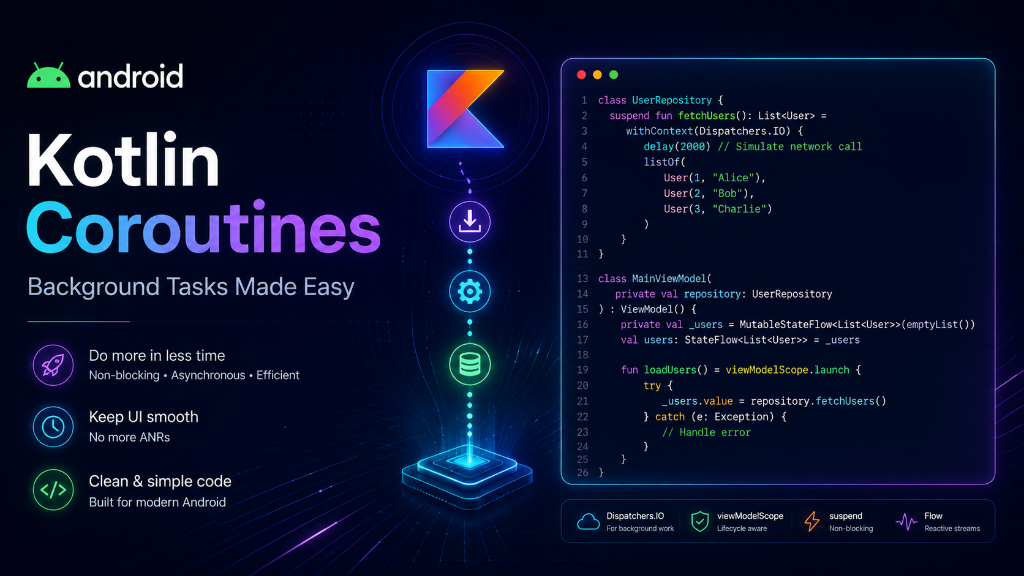
Introduction: When your Android app downloads a file or loads a list from a database, it takes time. If the app stops working while doing this, the user will think it is frozen. We use Coroutines in Kotlin to do these slow tasks in the background. Let's learn how they work in very simple words.
The Restaurant and Delivery Boy Analogy
Imagine you run a food restaurant. You have a **Main Chef** who cooks and serves food at the counter. A customer orders a delivery home.
- Without Coroutines (Blocking): The Main Chef stops serving customers at the counter, walks to the customer's house, delivers the food, and walks back. While the chef is walking, nobody is getting served at the restaurant. The counter is frozen!
- With Coroutines (Non-Blocking): The Main Chef calls a **Delivery Boy** (a Coroutine) and says: 'Take this food and deliver it.' The Delivery Boy leaves, and the Main Chef keeps serving people at the counter. The restaurant stays active!
What are Dispatchers?
Dispatchers tell your Coroutine **where** to work. Think of them as different highways for different tasks:
- Dispatchers.Main: Use this to update your screen (like showing text or buttons). This is where the Main Chef works.
- Dispatchers.IO: Use this for 'Input/Output' tasks like downloading data from the internet or reading local database files.
- Dispatchers.Default: Use this for heavy calculations (like resizing an image).
Kotlin Code Example
Here is a simple example of downloading a profile name in the background and updating the screen:
import kotlinx.coroutines.*

// 1. Mark the function as 'suspend' (means it can pause and resume)
suspend fun fetchUserName(): String {
    // Switch to IO dispatcher for background work
    return withContext(Dispatchers.IO) {
        delay(2000) // Simulate downloading data for 2 seconds
        "Vijay Kumar"
    }
}

// 2. Call it from your activity screen
fun loadUserProfile() {
    // Start a coroutine on the Main thread
    CoroutineScope(Dispatchers.Main).launch {
        userNameTextView.text = "Loading..."

        // Wait for background download without freezing UI
        val name = fetchUserName()

        // Update screen when done
        userNameTextView.text = "Welcome, $name!"
    }
}
Threads vs Coroutines
| Feature | Standard Thread | Kotlin Coroutine |
|---|---|---|
| Resource Weight | ❌ Heavy (costs system memory) | ✅ Lightweight (runs on existing threads) |
| Syntax | Complex callbacks | Simple sequential code |
| Control | Hard to stop or cancel | Easy to cancel anytime |
| Quantity | A few threads can slow down system | You can run thousands at once |
Summary
Kotlin Coroutines keep your Android app smooth. Use the keyword suspend for slow functions, use Dispatchers.IO to run them in the background, and return to Dispatchers.Main to show the results on the screen.